What Is a Headless CMS? (And Why Your Website Might Finally Need One)
Learn what a headless CMS is, how it works, and whether headless CMS development is the right choice for your business website in 2026.
Your content team updates a page. The developer has to touch four different systems to make it go live. By the time it's published, the campaign window has passed.
Sound familiar? That's a traditional CMS problem — and it's more common than most businesses realize.
A headless CMS fixes that. It separates where your content lives from how it gets displayed, giving your team the speed and flexibility that a monolithic CMS simply can't match. In this guide, we'll break down exactly what headless CMS development means, how it works, and whether it's the right move for your business.
What Is a Headless CMS?
A traditional CMS — think older WordPress setups or legacy platforms — bundles your content and your front-end presentation together. The "head" is the front end (what users see), and the "body" is the back end (where content is stored and managed). They're tied together.
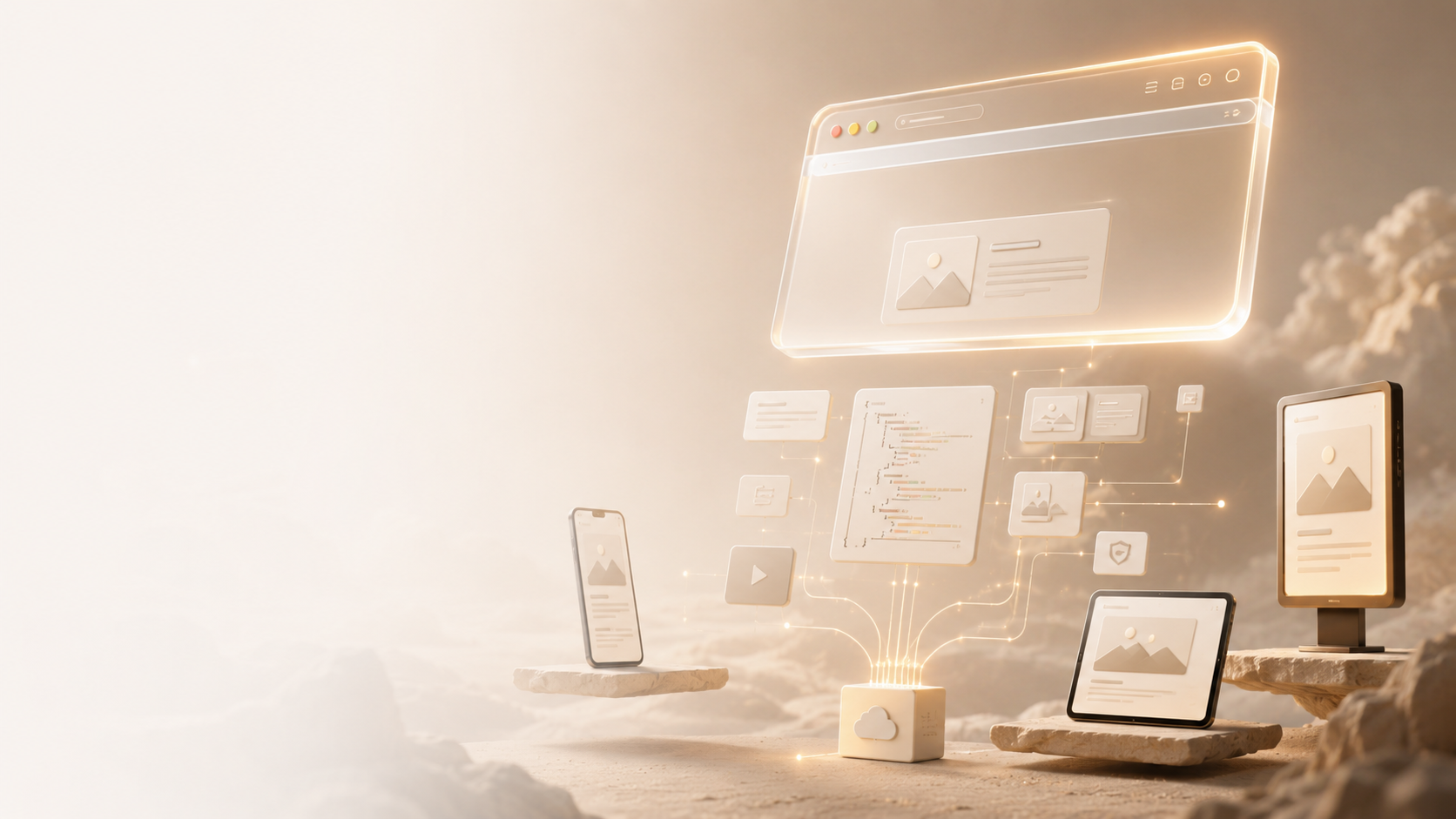
A headless CMS removes that tie. It stores and manages content in one place, then delivers it anywhere via an API — your website, mobile app, smart TV, digital signage, whatever.
Think of it this way: a traditional CMS is like a restaurant that only serves dine-in. A headless CMS is the kitchen that cooks the food and sends it out through multiple delivery channels — all from the same source.
How Headless CMS Development Works
Here's the basic flow:
- Content editors manage content inside the CMS dashboard (think Contentful, Sanity, Strapi, or headless WordPress)
- The CMS stores that content in a structured format (usually JSON)
- An API (typically REST or GraphQL) delivers that content on request
- The front end — built with React, Next.js, Vue, or similar — fetches the content and renders it however it wants
Your developers build the front end completely independently. They're not constrained by themes, templates, or the CMS's rendering logic. That freedom is where most of the performance and flexibility gains come from.
Headless CMS vs Traditional CMS — Key Differences
| Feature | Traditional CMS | Headless CMS |
|---|---|---|
| Content delivery | Website only | Website, apps, any channel |
| Front-end flexibility | Limited by themes/templates | Fully custom |
| Developer freedom | Moderate | High |
| Performance | Varies | Typically faster |
| Content editor experience | Familiar, visual | Depends on platform |
| Best for | Simple websites, blogs | Multi-channel, high-performance builds |
The short answer is: traditional CMS platforms are easier to get started with, but they hit a ceiling fast. Headless removes that ceiling.
Why Businesses Are Switching to Headless CMS
1. Omnichannel Content Delivery
You write content once, and it goes everywhere. Your website, iOS app, Android app, email templates, even a voice assistant if you need it. No duplication, no inconsistency.
This matters more than most businesses realize — especially if you're expanding channels or building a mobile experience alongside your website.
2. Faster Page Speeds
Because the front end is decoupled, developers can build with modern frameworks like Next.js that support static site generation and server-side rendering. The result? Pages that load in milliseconds, not seconds.
Worth noting: Google's Core Web Vitals directly impact your rankings. A faster front end isn't just a nice-to-have — it's an SEO advantage.
3. Better Developer Experience
Developers aren't fighting WordPress themes or plugin conflicts. They work in their preferred stack, use modern tooling, and build components they can reuse across projects. This translates to faster builds and fewer bugs.
4. Future-Proofing
The front end and back end evolve independently. If you want to redesign your website two years from now, your content stays exactly where it is. You only rebuild the "head." That's a significantly smaller project than a full migration.
When Should You Choose Headless CMS Development?
Headless isn't always the answer. Here's a practical breakdown:
Go headless if:
- You're building a high-traffic website where performance matters
- You need the same content across multiple platforms (web, app, etc.)
- Your dev team is comfortable with modern JavaScript frameworks
- You're planning for long-term scalability
Stick with traditional CMS if:
- You're a small business needing a simple 5–10 page website
- Your team is non-technical and needs a visual editor
- You're working with a tight budget and a short timeline
- SEO is your primary focus and you don't need multi-channel delivery
Most growing businesses eventually outgrow a traditional CMS. The question is usually when to make the move, not if.
Popular Headless CMS Platforms in 2026
A few platforms worth knowing:
- Contentful — Enterprise-grade, powerful API, widely adopted
- Sanity — Flexible schema, real-time collaboration, great developer experience
- Strapi — Open-source, self-hosted option with strong customization
- Headless WordPress — Use WordPress as the content layer, deliver via REST or GraphQL
- Hygraph — API-first, strong for federated content architectures
Each has trade-offs in terms of cost, flexibility, and learning curve. The right choice depends on your stack, team size, and content complexity.
Conclusion
A headless CMS isn't a trend — it's where modern web architecture is headed. If you're dealing with performance bottlenecks, multi-channel content needs, or a front end that developers are constantly wrestling with, headless CMS development is worth a serious look.
The shift takes planning, but the payoff in speed, flexibility, and long-term scalability is real.
If you're considering making the move, Web Pundit can help you evaluate the right architecture for your business and build a headless setup that actually works — not just in theory, but in production.
